
Version-aware launcher
The launcher can compare the installed state with the release assigned to the selected game branch.
Game auto updater
LauncherForge connects versioned publishing with launcher-side update checks so players can move from an installed build to the release assigned to their current branch.
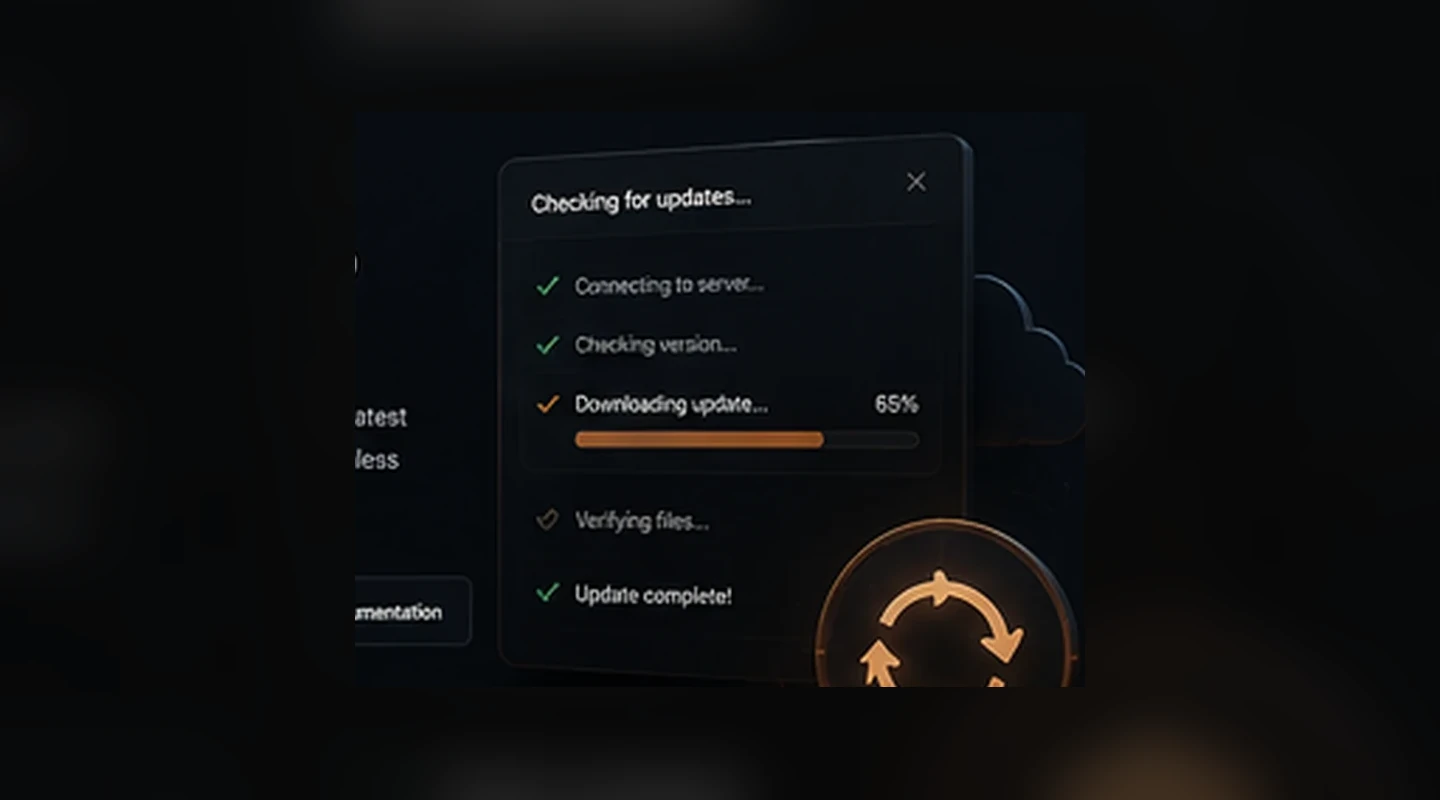
The launcher needs to know which game, branch and release the player should run. LauncherForge keeps those concepts explicit so update decisions are tied to versioned publishing.
Automatic game updates
The launcher needs to know which game, branch and release the player should run. LauncherForge keeps those concepts explicit so update decisions are tied to versioned publishing.
The launcher can compare the installed state with the release assigned to the selected game branch.
Production users, private testers and internal teams can follow different release branches without needing separate launcher products.
Published build metadata and file manifests provide the release state required for the launcher update workflow.
Keep player-facing release information close to the update that delivers the new game version.
Use the CLI workflow to make the source release deterministic before the launcher ever checks for an update.
Operate a branded launcher and update channel for communities, private testers or direct distribution workflows you control.
Update lifecycle
The updater follows the release model your team defines instead of requiring developers to manually distribute replacement folders.
Create the versioned release from the packaged build and target the intended branch.
When the player opens the launcher, it resolves the current release for that game and branch.
The update workflow uses the published manifest and stored objects needed by the target release.
Once the installation is current, the launcher starts the game through the normal player-access flow.
Release state
Production, beta and internal users do not always need the same build. Branch-aware publishing lets the launcher resolve the right version for each audience.
game: Project North
branch: production
installed: 0.9.4
available: 0.9.5
manifest resolved
installation updated ✓
Build the complete updater stack
Automatic update checks become more useful when releases are versioned and each player is mapped to the right branch.
Game auto updater FAQ
The updater works on top of LauncherForge releases, manifests and branch state.
Yes. Different branches can point to different releases, allowing production and private testing audiences to move independently.
The launcher update flow is built around comparing local installation state with the release assigned to the selected game and branch.
No. Branches are intended to keep release channels separate while still operating within the same branded launcher ecosystem.
LauncherForge supports release-facing content such as patch notes and news so players can understand what changed around a new version.
No. File distribution and release state are engine independent. Engine integrations are used where runtime authentication or engine-specific setup is required.
// Reduce release friction
Keep versions, branches and update checks connected so players spend less time figuring out which build they should install.