
Custom launcher branding
Use your own game artwork, logo, navigation, news, patch notes and launcher presentation instead of shipping a generic downloader.
Game launcher creator
LauncherForge combines launcher branding with the release infrastructure behind it. Design the player-facing launcher, publish versioned builds, control testing branches and keep authentication connected to the packaged game.
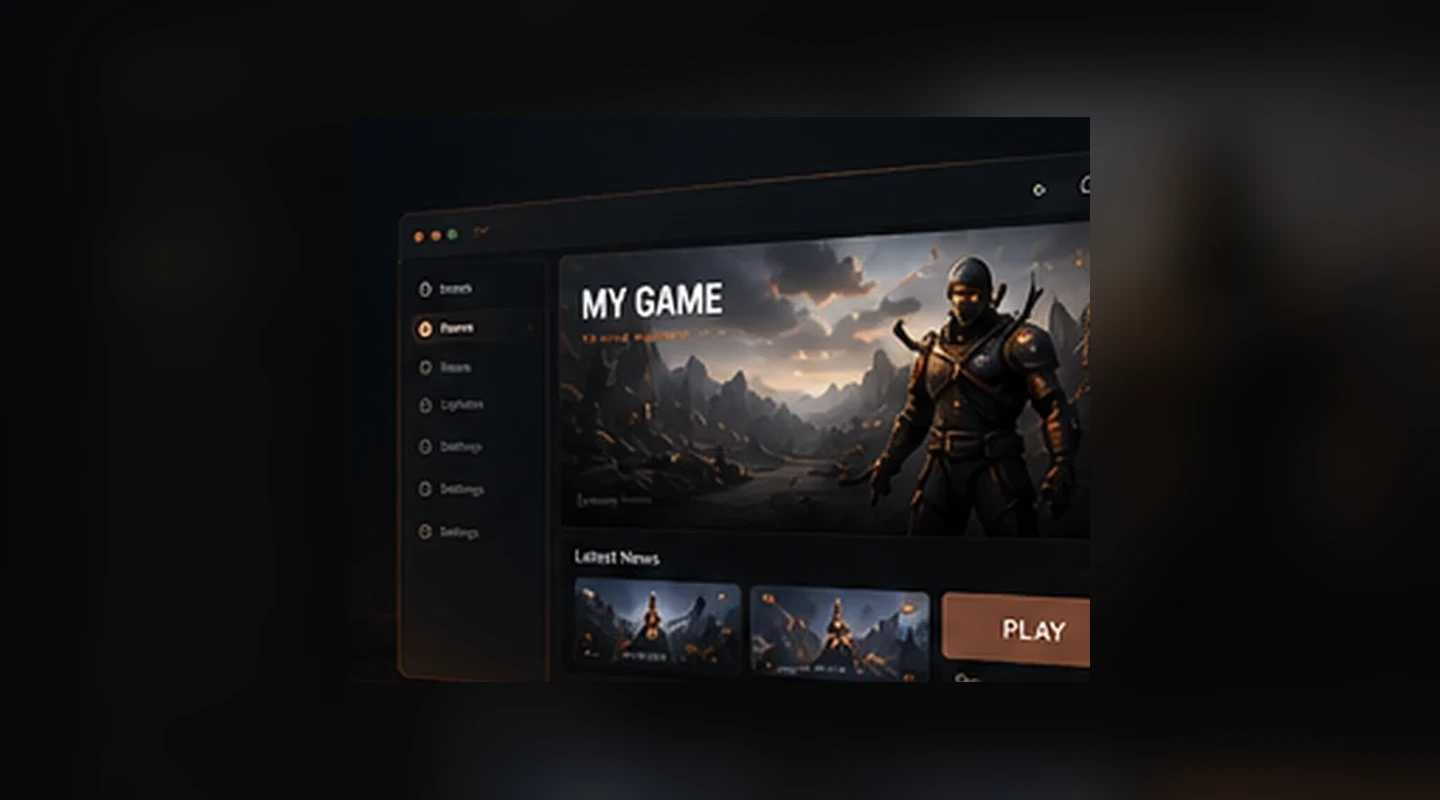
A custom launcher is useful only when the delivery workflow behind it is reliable. LauncherForge keeps launcher presentation, game builds, updates, access rules and developer integrations in the same operating layer.
More than a visual builder
A custom launcher is useful only when the delivery workflow behind it is reliable. LauncherForge keeps launcher presentation, game builds, updates, access rules and developer integrations in the same operating layer.
Use your own game artwork, logo, navigation, news, patch notes and launcher presentation instead of shipping a generic downloader.
Publish releases as explicit versions so teams can see what is live, what changed and which branch receives each build.
Separate production from QA, beta, alpha or internal testing and grant access only to the players who should see those builds.
Keep installed games aligned with the selected branch while LauncherForge handles manifests, release state and update delivery.
Let players sign in through the branded launcher and pass a short-lived validated launch session into the packaged game.
Use the LauncherForge CLI, engine integrations, documentation and API-oriented workflows instead of manually rebuilding every release process.
One connected flow
The same project stays connected as your team moves from configuration to deployment and player access.
Apply your game branding, launcher content, navigation and presentation.
Define the game, production channel and any private testing branches your workflow needs.
Scan the packaged build, calculate hashes and publish the release to the intended branch.
Players install or update the game, sign in and launch through the branded client.
Release pipeline
LauncherForge keeps the build pipeline explicit so a studio can automate releases without coupling deployment logic to the launcher UI.
$ launcherforge deploy
scan packaged game files
calculate SHA-256 hashes
reuse unchanged stored objects
publish versioned release
branch: production ✓
Explore the infrastructure
Each capability has its own workflow and can be evaluated separately before you connect the full release pipeline.
Game launcher creator FAQ
The launcher UI, game distribution and runtime authentication are separate layers that work together.
No. LauncherForge provides the release and update workflow around the launcher so your team can focus on branding, game content and the integration points that matter to your project.
Yes. LauncherForge is designed for branded launchers with your own artwork, logos, content and visual direction rather than a shared marketplace identity.
Yes when the selected plan supports multiple games. Each game keeps its own releases, branches and access rules while players use the same branded launcher.
Yes. Private branches let you keep QA, closed beta or internal releases separate from production and control which players can access them.
No. The launcher owns the credential flow. The game receives a short-lived launch session that can be validated through the integration layer.
// Build the launcher once
Start with the launcher experience, then connect builds, branches, updates and authentication as your release workflow grows.