
Branded launcher for Unity
Present your Unity title through a launcher that uses your own artwork, content and release messaging.

Unity game launcher
Publish exported Unity builds through LauncherForge, deliver versions through your branded launcher and keep the runtime player session separate from the launcher login UI.
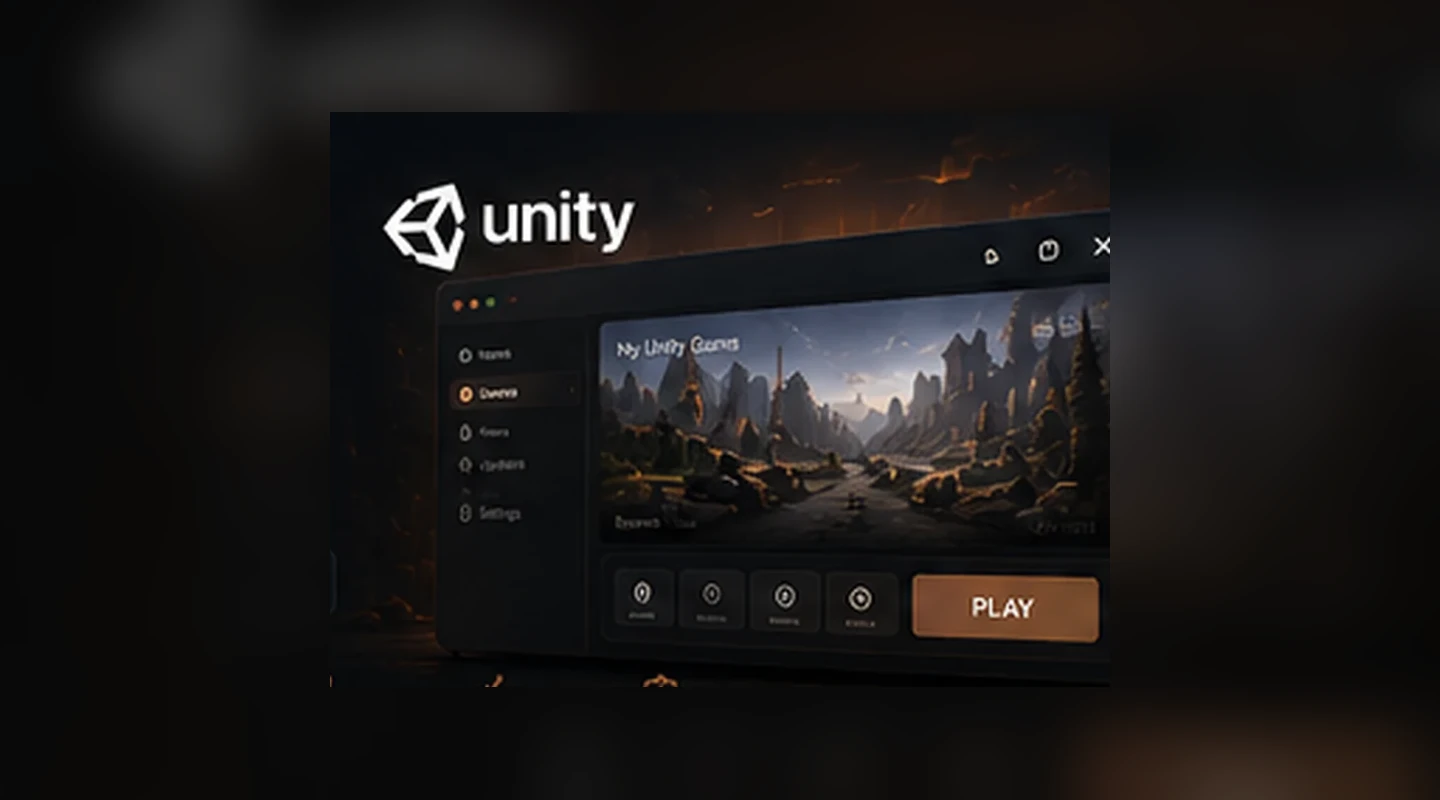
LauncherForge treats the Unity executable and data as a packaged release, while the launcher manages player-facing installation, updates and sign-in. Runtime code reads the validated session through the integration layer.
Unity release workflow
LauncherForge treats the Unity executable and data as a packaged release, while the launcher manages player-facing installation, updates and sign-in. Runtime code reads the validated session through the integration layer.
Present your Unity title through a launcher that uses your own artwork, content and release messaging.
Publish exported builds as explicit versions and route them through production or private branches.
Let the launcher resolve the release assigned to the current branch and update the local Unity installation accordingly.
Keep the account UI in the launcher and expose a small validated session contract to Unity gameplay code.
Distribute QA, alpha and beta Unity builds to selected players without replacing the production release.
Make Unity release publishing repeatable from a developer machine or CI pipeline after the game build is exported.
Unity delivery
Engine output becomes the input to LauncherForge rather than requiring release logic to be embedded into the Unity project itself.
Produce the Windows build using the normal Unity build process.
Scan, hash and publish the build as a version on the selected branch.
Players install or update the Unity game using the release state for their branch.
Runtime integration exposes the player identity required by the game without owning the login UI.
Unity runtime
The launcher is responsible for credentials and account UX. Unity receives only the launch-session state it needs when the game starts.
launcher session received
runtime initialization complete
id: usr_01J8M6GQ
email: player@example.com
valid: true
game session ready ✓
Unity + release infrastructure
Patching, branches and launcher updates are engine independent, so the Unity integration can stay focused on runtime session handoff.
Unity game launcher FAQ
Unity builds use the same release infrastructure as other engines while runtime authentication remains an integration concern.
Yes. The release workflow operates on the packaged game files produced by your build process rather than requiring a specific engine project layout.
Yes. The player-facing login lives in the launcher, where you can control branding and account flow without duplicating that UI inside Unity.
Yes. QA, alpha, beta or partner builds can be kept separate from production through private release branches.
No. Update and file-delivery infrastructure is engine independent. Unity-specific code is used for runtime integration where needed.
Yes. The integration pattern exposes the validated launch-session data required by the game while keeping credentials in the launcher.
// Ship Unity builds directly
Use LauncherForge for versions, updates, private branches and launcher authentication without turning your Unity project into a distribution platform.