
Custom Unreal game launcher
Ship a branded Windows launcher around your Unreal title while keeping release infrastructure independent from the game UI.

Unreal Engine game launcher
Use LauncherForge for launcher presentation and release delivery, then validate the player launch session inside Unreal Engine through the LauncherForge Auth integration.
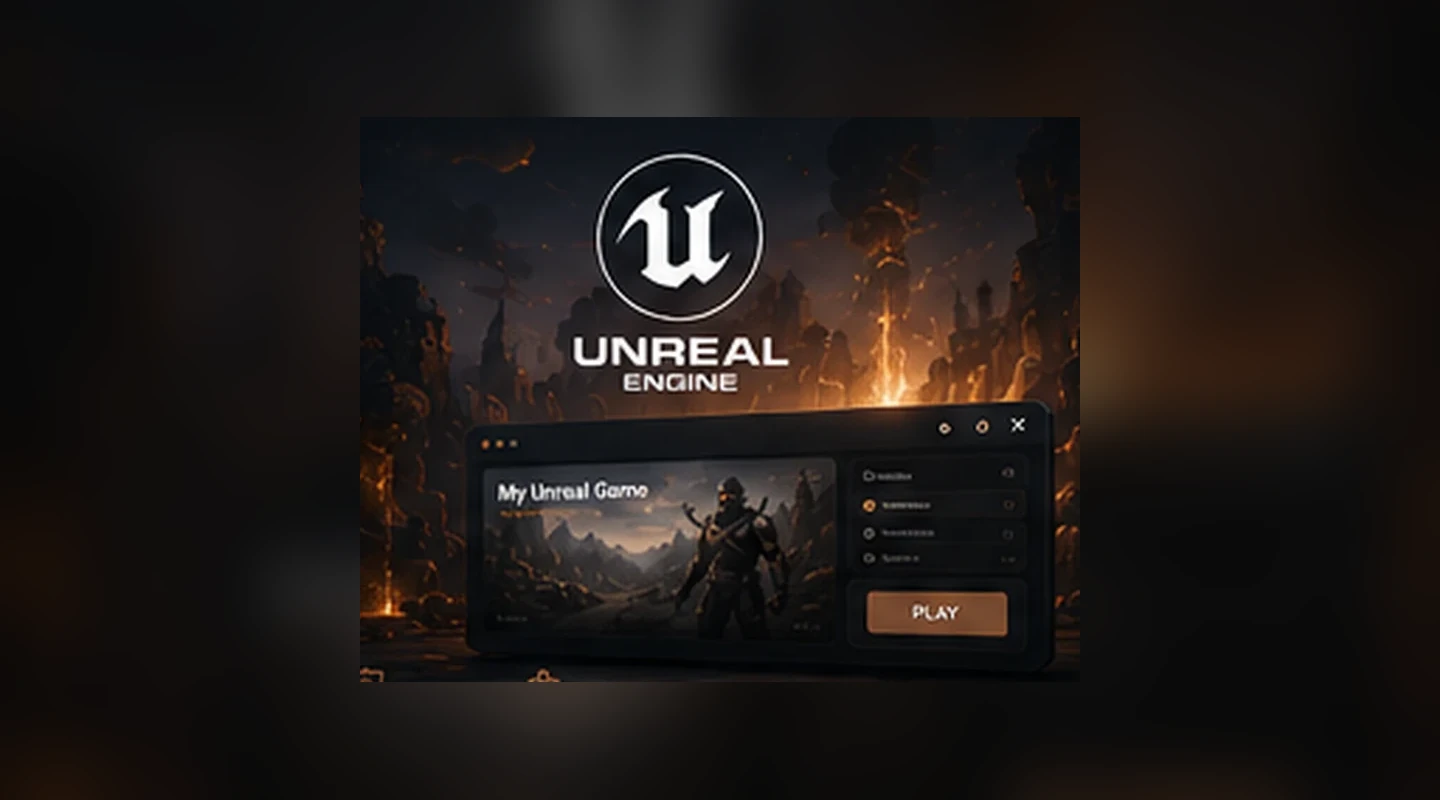
The launcher handles sign-in and game selection. The packaged Unreal game receives a short-lived launch token, validates it through the integration layer and reads only the runtime identity fields it needs.
Unreal release workflow
The launcher handles sign-in and game selection. The packaged Unreal game receives a short-lived launch token, validates it through the integration layer and reads only the runtime identity fields it needs.
Ship a branded Windows launcher around your Unreal title while keeping release infrastructure independent from the game UI.
Publish packaged Unreal builds as versioned releases through the same CLI and branch workflow used by the rest of LauncherForge.
Start the packaged game with a short-lived launch token and validate the session after the game runtime initializes.
The validated session exposes the fields your game needs for initialization: id, email and valid.
Use the LauncherForge authentication subsystem and Blueprint-facing integration helpers according to the plugin setup for your Unreal project.
Keep internal, alpha or beta Unreal builds separated from production while granting access to selected testers.
Runtime handoff
Credentials stay in the launcher. The game receives a temporary launch session rather than a reusable account password.
LauncherForge owns the player-facing login, recovery and launcher navigation.
The token is scoped to the player and the selected launch flow.
The launcher passes the token as part of the game startup context.
After runtime initialization, the integration validates the token and exposes the player data.
Unreal runtime
Launcher authentication is intentionally separated from gameplay credentials. The integration gives the packaged game a narrow session contract instead of duplicating the account system inside Unreal.
launch token received
LauncherAuthSubsystem ready
session validation: 200
id: usr_01J8M6GQ
email: player@example.com
valid: true ✓
Unreal + release infrastructure
Authentication is one part of the integration. Builds, patching, automatic updates and private branches remain engine-independent services around it.
Unreal Engine launcher FAQ
Use the Unreal integration for runtime session validation while LauncherForge handles releases and launcher operations outside the game.
No. The launcher handles credentials and the packaged game receives a short-lived launch token for session validation.
The current runtime contract is intentionally small: id, email and valid.
The Unreal integration is designed around validating the launch session in the packaged game runtime, including production-oriented packaged builds configured according to the integration documentation.
Yes. Branches let you keep production and private testing releases separate while using the same launcher infrastructure.
No. Build scanning, manifests, storage and release delivery are engine independent. Unreal-specific integration is needed for runtime features such as launch-session validation.
// Connect launcher and game runtime
Use one workflow for packaged builds, updates, private testing and player session validation.